 Btrkoop
How does Btrkoop work?
Start saving on groceries in 4 simple steps.
-
01
Download the app for free
Btrkoop is free to download from the App Store and Google Play. Create an account with your email or sign in with Google or Apple, and pick the supermarkets where you shop.


-
02
Browse deals and compare prices
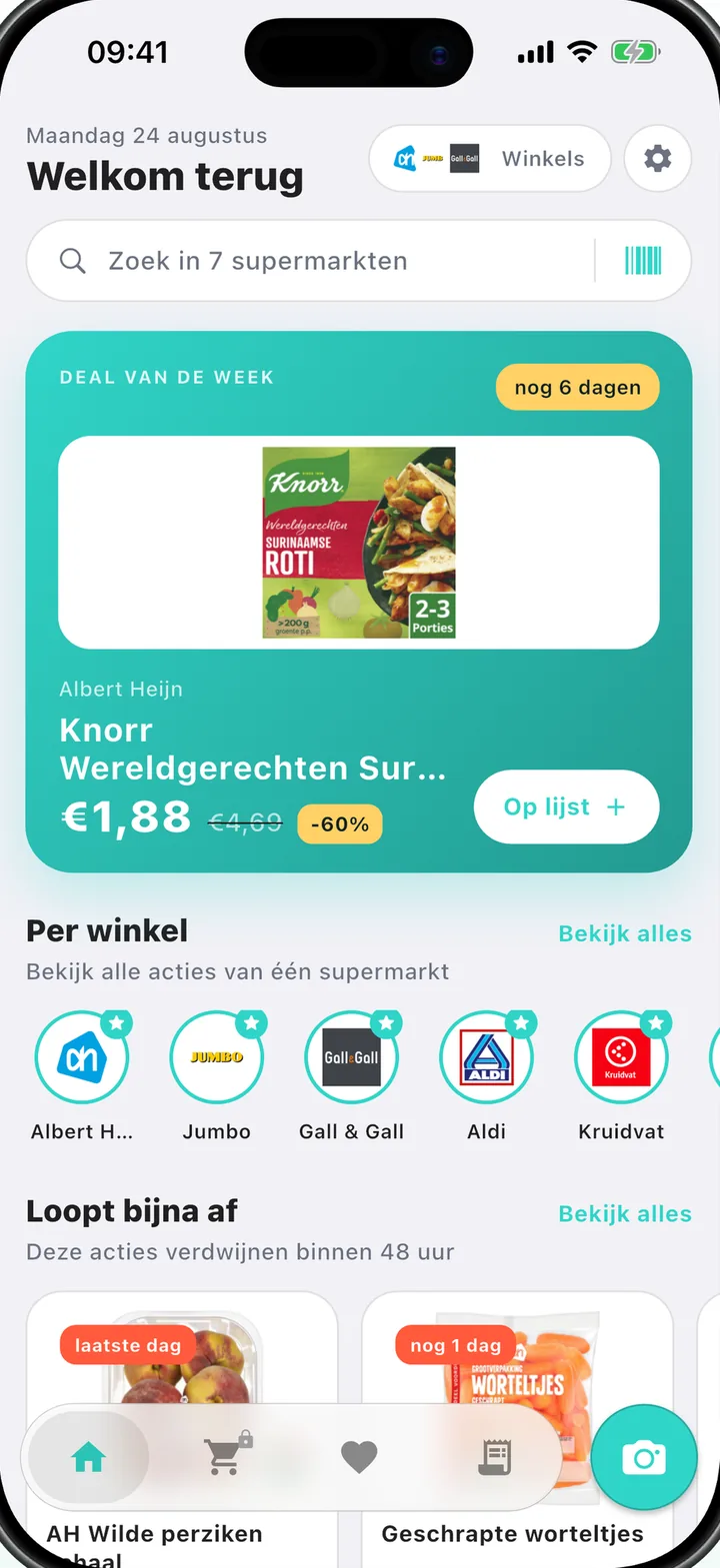
See the deals from Albert Heijn, Jumbo, Aldi, PLUS, Dirk, Hoogvliet, Kruidvat and Gall & Gall in one feed: what's on offer now and what's coming next week. Search any product or scan its barcode in the store to see straight away where it's cheapest, including the price per kilo or litre.
More on comparing prices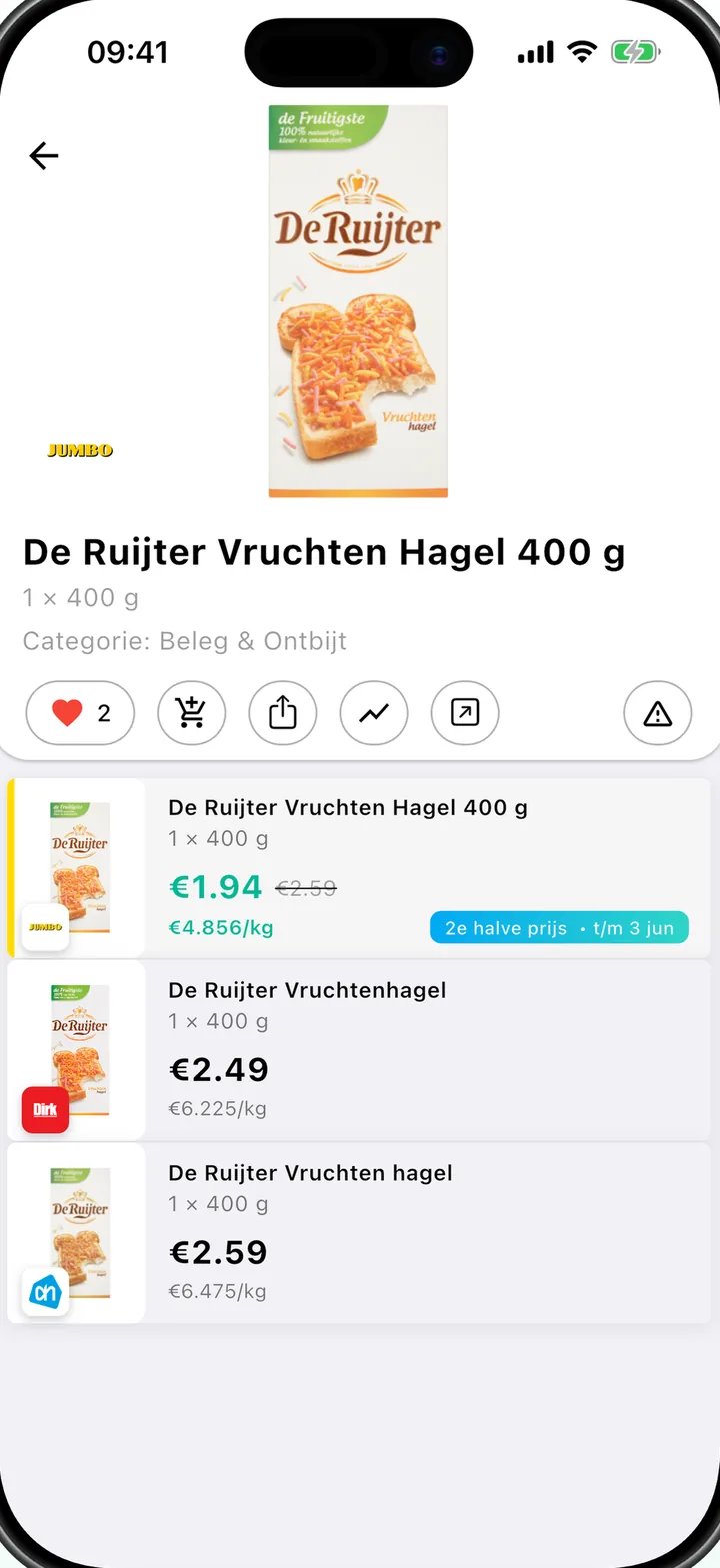
-
03
Scan receipts and track your savings
Point your camera at your receipt and the AI recognises every product and price. You see how much you saved on each receipt, and your savings are tracked per week, per month and in total. Every scan also earns you points for discount coupons.
Points and coupons -
04
Optimise your shopping list
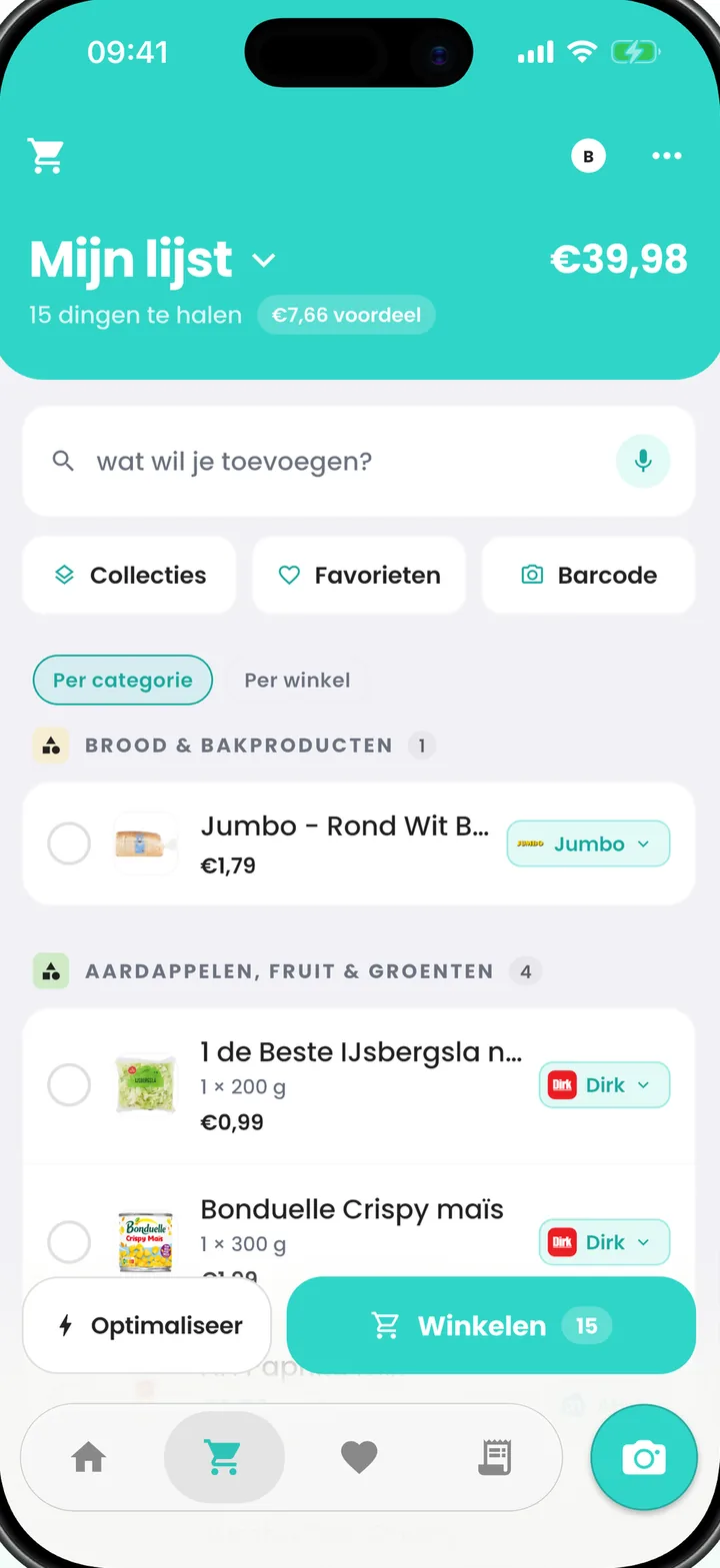
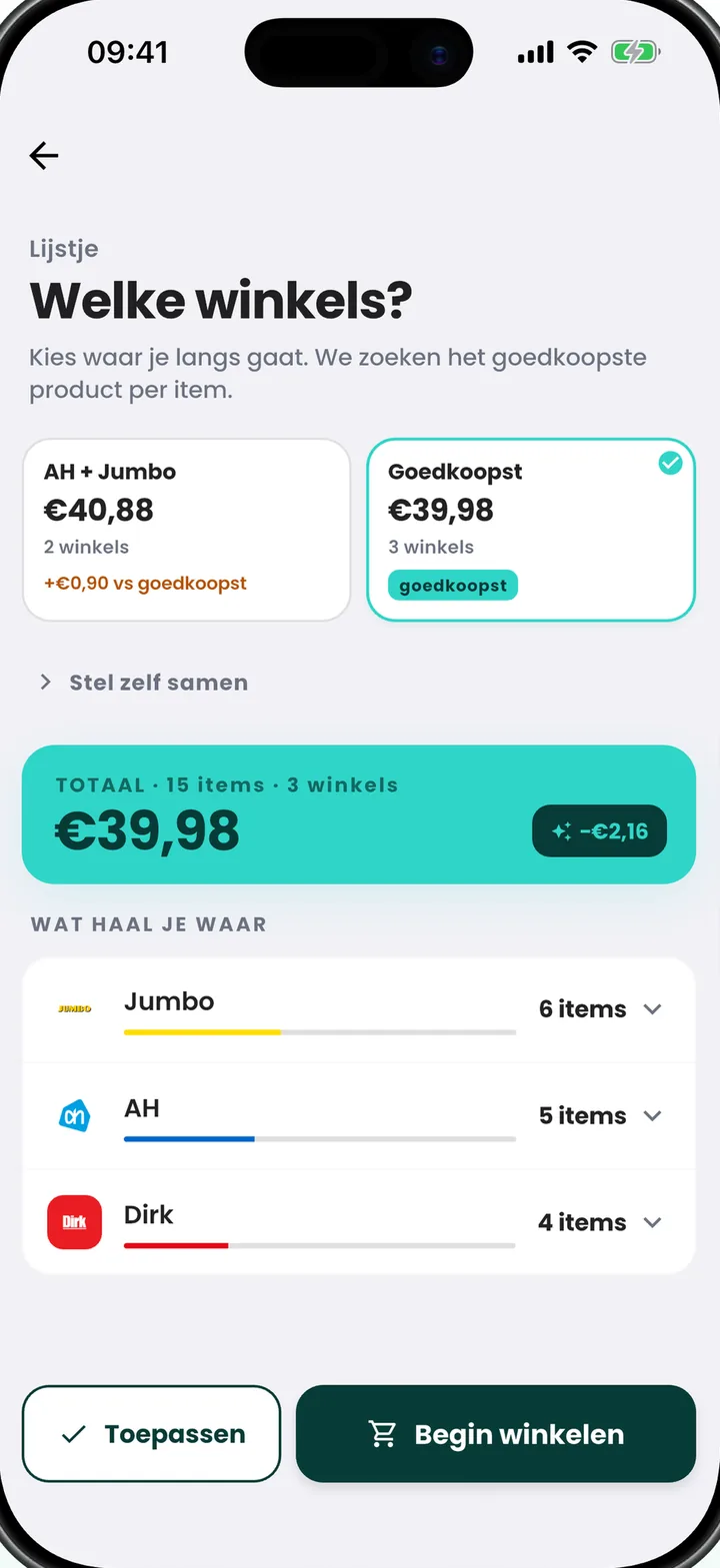
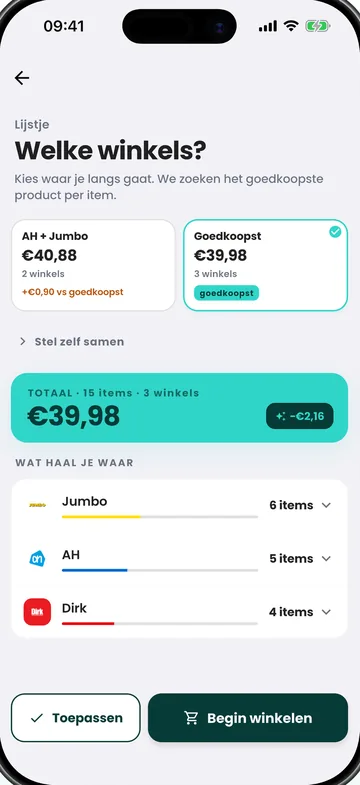
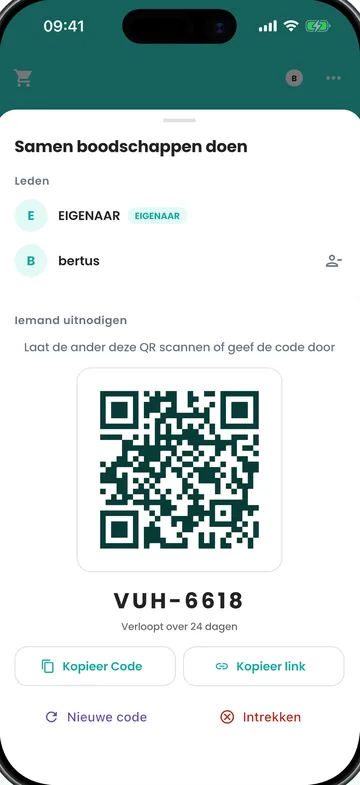
Build your shopping list and share it with your household: everyone sees live what gets added and ticked off. Tap Optimise and Btrkoop splits your list across the cheapest stores, showing exactly how much you save. Shopping lists and Optimise are part of Btrkoop Premium.
Same groceries. Pay less.
The app compares your own shopping list across every supermarket.